
Keywords: Orbit, Starlink, Starlink Cloud, CommBox Edge Cloud Portal
Overview
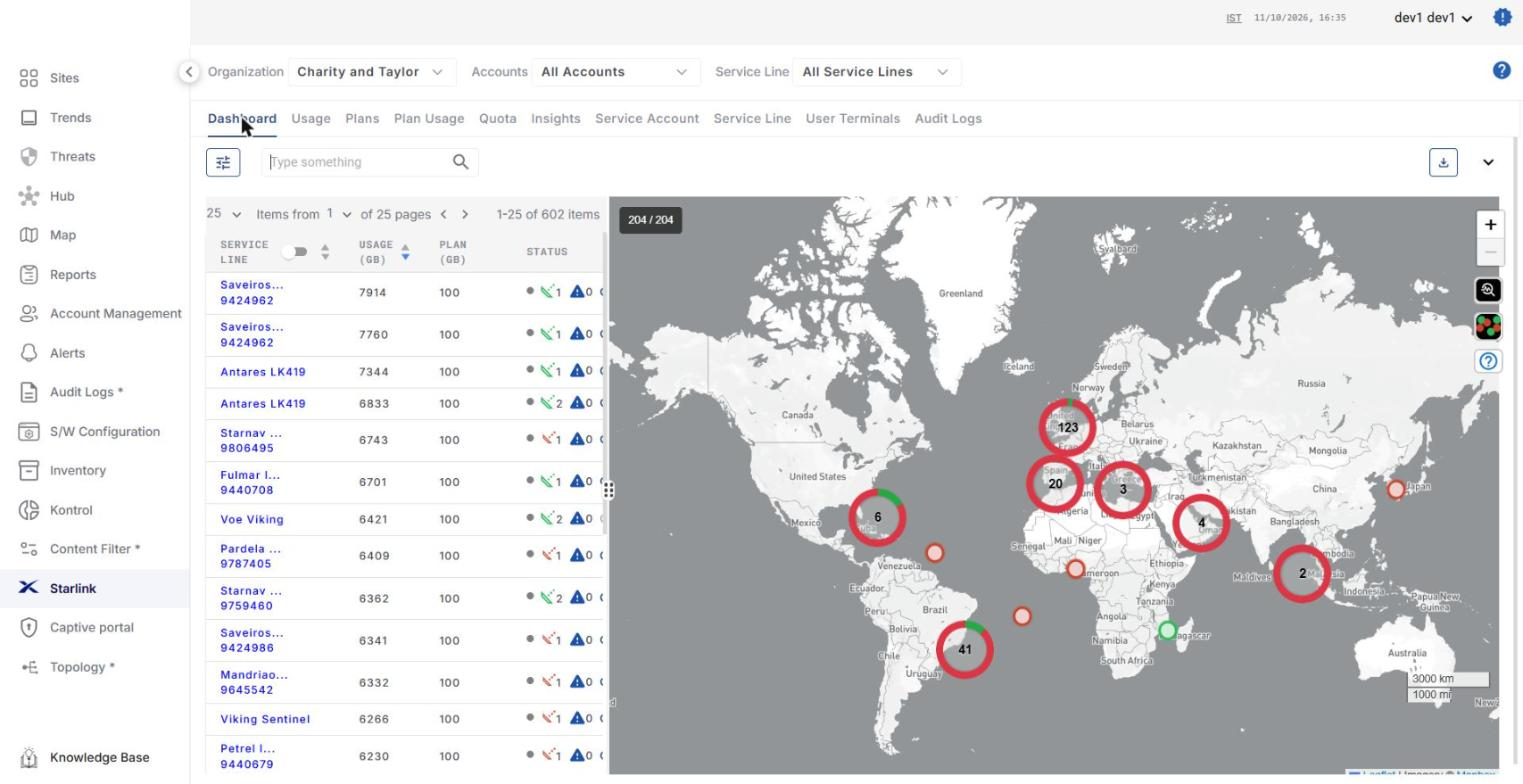
Orbit is the Starlink screen of the CommBox Edge Cloud Portal. It is used to link Starlink service accounts, monitor Starlink service lines and terminals, and manage data pools, plans and Quota Kontrol for the service lines. To open it, select Starlink from the left menu bar of the CommBox Edge Cloud Portal.
The Starlink screen has the Organization, Accounts and Service Line filters at the top and the following tabs: Dashboard, Usage, Plans, Plan Usage, Quota, Insights, Service Account, Service Line, User Terminals and Audit Logs.
Guides in this section
-
How To: Install Starlink with CommBox EdgeOS -
How To: Register for Starlink Cloud -
How To: Create Pools & Plans -
How To: Create Pooled Account in Starlink Cloud -
How To: Add Pools/Plans under a Main Pool and Assign Pools/Plans to Service Lines -
How To: Configure Starlink Pooled Plans -
How To: Add a New Service Line, Assign to an Organization